AI in Visual Testing: Revolutionizing UI/UX Quality Assurance
Discover how Artificial Intelligence is transforming visual testing for UI/UX. Learn why traditional methods fall short and how AI-powered solutions ensure pixel-perfect precision and consistent visual integrity across all devices, enhancing user satisfaction and business success.
The digital landscape is defined by experiences. From the sleek interfaces of our favorite mobile apps to the intuitive dashboards of enterprise software, the User Interface (UI) and User Experience (UX) are paramount. They are the direct conduits through which users interact with our creations, and their quality directly impacts adoption, satisfaction, and ultimately, business success. Yet, ensuring pixel-perfect precision and consistent visual integrity across an ever-expanding array of devices, browsers, and dynamic content remains one of the most formidable challenges in software quality assurance (QA).
Traditional visual testing, often reliant on manual checks or brittle pixel-by-pixel comparisons, struggles to keep pace. It's tedious, error-prone, and scales poorly. This is where Artificial Intelligence steps in, not just as an optimization tool, but as a transformative force, enabling a new generation of intelligent visual testing and anomaly detection.
The Evolution of Visual QA: From Pixels to Perception
Historically, automated visual testing involved capturing "golden" screenshots and comparing them pixel-for-pixel against new builds. While seemingly robust, this approach quickly falters. Minor, acceptable variations—like slight font rendering differences across browsers, subtle layout shifts due to responsive design, or dynamic content changes—would trigger false positives, leading to a deluge of irrelevant failures. This brittleness made traditional visual testing more of a burden than a benefit.
AI, particularly advancements in computer vision and deep learning, offers a paradigm shift. Instead of merely comparing pixels, AI can be trained to understand context, intent, and perceptual differences. It moves beyond raw data to interpret the visual information in a way that mimics human perception, but with superhuman consistency and speed. This allows for more robust, intelligent, and scalable visual QA that can differentiate between a genuine defect and an acceptable variation.
Intelligent Baseline Management: Taming the Golden Screenshot Beast
One of the biggest pain points in traditional visual testing is managing baselines. Every unique UI state, across different devices, resolutions, and browser combinations, often requires its own "golden" screenshot. This quickly becomes an unmanageable matrix.
AI can revolutionize baseline management through:
- Clustering Similar UI States: Imagine an AI analyzing hundreds of screenshots from different mobile devices and identifying that 80% of them represent the same logical UI layout, despite minor pixel variations. AI can cluster these, reducing the number of unique baselines you need to maintain. For example, a "product detail page" might have slight variations for iPhone X, iPhone 13, and a high-end Android, but AI can group them as variations of the same core baseline.
- Adaptive Baselines: AI models can learn acceptable variations. If a font renders slightly differently on Firefox compared to Chrome, but the difference is imperceptible or within an acceptable tolerance, the AI can learn to ignore it. This is crucial for responsive designs where elements naturally reflow. This learning can be achieved through supervised learning on historical test results (marking acceptable variations) or through more advanced techniques like anomaly detection on "normal" variations.
- Self-Healing Baselines (Limited Scope): In scenarios where a UI change is clearly intentional and non-regressive (e.g., a button color change across the entire application due to a branding update), AI could, with high confidence, suggest updating the relevant baselines. This requires robust change detection and a feedback loop, often with human oversight, to prevent erroneous updates.
Example:
Instead of storing product_page_chrome_1920x1080.png, product_page_firefox_1920x1080.png, product_page_safari_1920x1080.png, AI might cluster these into a single conceptual product_page baseline, learning the browser-specific acceptable variations. When a new build comes, it compares against this adaptive baseline, flagging only significant deviations.
Perceptual Difference Detection: Seeing What Matters
The core of AI-powered visual testing lies in its ability to detect perceptually significant differences, moving beyond simple pixel-level comparisons.
- Structural Similarity Index (SSIM) and AI Extensions: SSIM is an improvement over mean squared error (MSE) for image comparison, as it considers luminance, contrast, and structure. AI extends this by using deep learning models (often Convolutional Neural Networks - CNNs) to extract higher-level features. These models are trained on vast datasets of UI images, learning what constitutes a "button," a "text field," or an "image gallery."
- How it works: A CNN might process two images (baseline and current) and output feature maps. Instead of comparing raw pixels, the AI compares these feature maps, which represent the semantic content and structure. A difference in a few pixels might not alter the feature map significantly if it's just noise, but a missing button would.
- Feature-Based Comparisons: AI can identify and extract individual UI elements (buttons, text, images, icons). It then compares their properties:
- Position: Has an element shifted unexpectedly?
- Size: Is a button suddenly smaller or larger?
- Color: Has the primary call-to-action button changed color without intent?
- Content: Has the text within a label changed, or is an image missing?
- Example: An AI model trained on UI components can detect that a "Submit" button is now 5 pixels to the left and 2 pixels shorter, but if these changes are within a learned tolerance for responsive design, it might not flag it. However, if the button is entirely missing or its text has changed to "Send," it would be flagged.
- Layout Analysis: AI can understand the spatial relationships between UI elements. It can detect:
- Misalignments: Is the text box no longer aligned with its label?
- Overlaps: Are two elements unintentionally overlapping?
- Missing Components: Is a critical section of the page entirely absent?
- Example: A layout analysis model can determine if the header, navigation bar, and main content area maintain their expected relative positions and sizes, even if the content within them changes. It can detect if a footer element has unexpectedly moved into the main content area.
Anomaly Detection in UI/UX: Uncovering the Unknown Unknowns
Not all visual defects have a clear baseline to compare against. Sometimes, you need to identify something unexpected or corrupted without having seen that exact state before. This is where AI-powered anomaly detection shines.
- Autoencoders: An autoencoder is a neural network trained to reconstruct its input. When trained on "normal" UI states, it learns the underlying patterns and features of a well-formed UI. If a new UI state is fed into the autoencoder and it struggles to reconstruct it (i.e., has a high reconstruction error), it indicates an anomaly.
- Practical Use: Imagine an autoencoder trained on thousands of valid product listing pages. If a new page appears with corrupted images, garbled text, or an entirely unexpected layout, the autoencoder's reconstruction error will be high, signaling a potential defect.
- One-Class SVMs or Isolation Forests: These are machine learning algorithms that learn the boundary of what constitutes "normal" data. Any data point falling outside this boundary is considered an anomaly.
- Practical Use: A One-Class SVM could be trained on the feature vectors extracted from "normal" UI elements. If a new element's feature vector falls outside the learned boundary, it could indicate a malformed or unexpected component.
- Generative Models (e.g., GANs): Generative Adversarial Networks (GANs) can be used to learn the distribution of normal UI elements. A generator creates synthetic UI elements, and a discriminator tries to distinguish between real and generated elements. Once trained, the discriminator can be used to identify real UI elements that deviate significantly from the learned "normal" distribution.
- Practical Use: A GAN could learn the typical appearance of a user profile card. If a new profile card appears with an unusual layout or corrupted image, the discriminator would flag it as "unreal" or anomalous.
AI-Powered Accessibility Testing: Ensuring Inclusive Experiences
Accessibility isn't just a compliance checkbox; it's fundamental to user experience. Manually checking visual accessibility aspects is laborious. AI can automate this:
- Contrast Ratio Calculation: Computer vision models can accurately identify text and background regions and calculate their contrast ratios against WCAG (Web Content Accessibility Guidelines) standards.
- Example: An AI can scan a webpage, identify all text elements and their background colors, and automatically report which ones fail the minimum contrast ratio (e.g., 4.5:1 for normal text).
- Focus Indicator Detection: AI can identify interactive elements (buttons, links, input fields) and verify if they display clear visual focus indicators when navigated via keyboard.
- Detecting Potential Issues: Models can be trained to flag:
- Small Font Sizes: Identifying text that falls below recommended minimums.
- Cramped Layouts: Detecting elements that are too close together, making them hard to interact with, especially for users with motor impairments.
- Color-Only Information: Identifying instances where information is conveyed solely through color, which can be inaccessible to color-blind users.
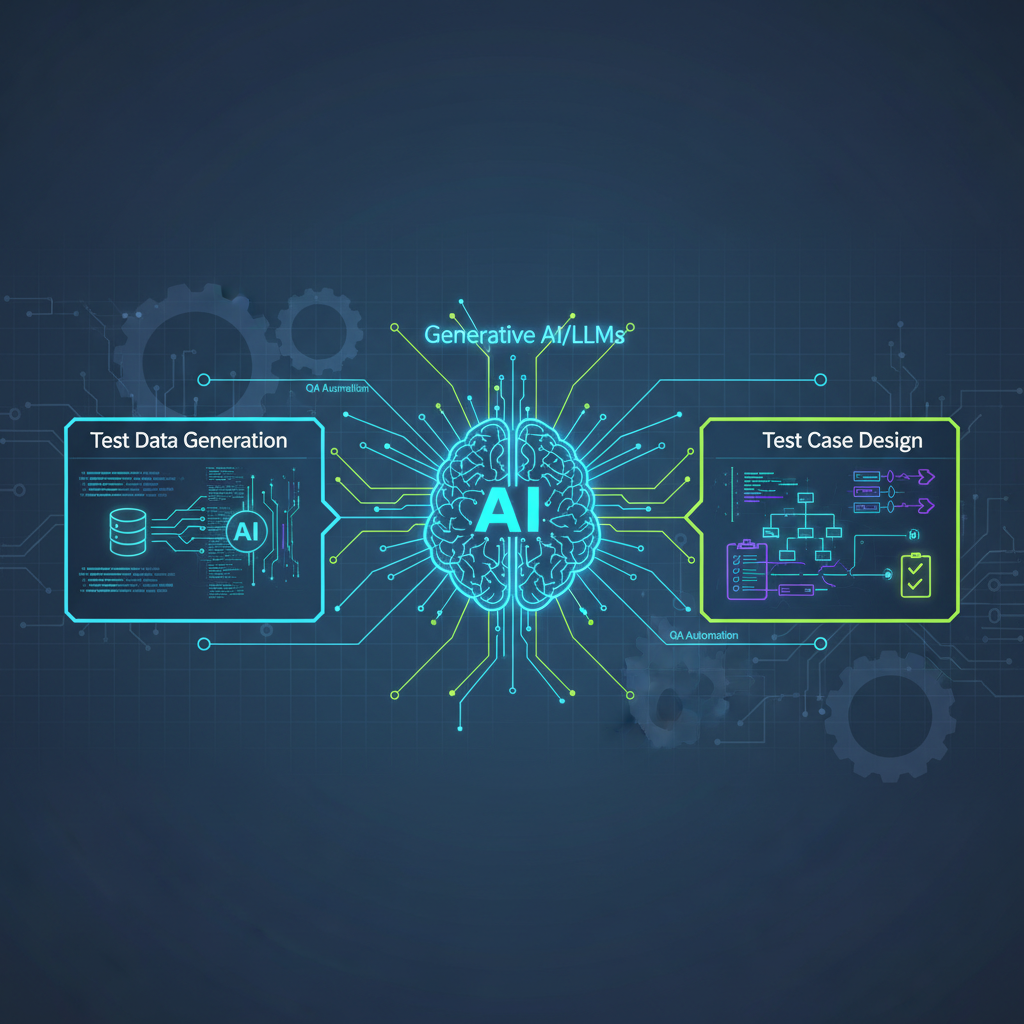
Test Data Generation for Visual QA: Synthetic Worlds for Robust Testing
Creating diverse and comprehensive visual test data, especially for dynamic content, error states, and different user profiles, is a significant bottleneck. AI, particularly generative models, can help:
- GANs for Synthetic UI Variations: GANs can generate realistic variations of UI elements or entire pages. This allows testers to create scenarios that might be difficult or time-consuming to set up manually.
- Example: A GAN could be trained on e-commerce product listings. It could then generate thousands of unique product cards with varying image types, text lengths, price formats, and rating displays, allowing for extensive visual testing of the listing page's layout and responsiveness.
- Populating UI Elements with Synthetic Data: AI can generate realistic, yet synthetic, data (names, addresses, product descriptions, images) to populate forms, tables, and content blocks. This ensures that the UI renders correctly with diverse data inputs without relying on sensitive real data.
Integration with Existing QA Workflows: The Human-in-the-Loop
For AI-powered visual testing to be truly effective, it must seamlessly integrate into existing QA and development pipelines.
- CI/CD Integration: AI models can be deployed as part of the Continuous Integration/Continuous Deployment pipeline. After each build, automated visual tests run, and AI flags potential issues.
- Test Management & Defect Tracking: AI-flagged anomalies should automatically create tickets in defect tracking systems (e.g., Jira), complete with screenshots, highlighted differences, and severity predictions.
- Human-in-the-Loop: AI is a powerful assistant, but human judgment remains crucial. AI-flagged anomalies need review. This feedback loop is vital for model improvement:
- Confirming Defects: Humans confirm if an AI-flagged item is a true defect or a false positive.
- Labeling Data: This human review generates labeled data, which can be used to retrain and fine-tune the AI models, making them more accurate over time.
Practical Applications and Benefits: A Clear Value Proposition
The benefits of adopting AI-powered visual testing are tangible and far-reaching:
- Faster Release Cycles: Automating a significant portion of visual testing drastically reduces QA time, accelerating time-to-market.
- Improved Quality: AI can catch subtle visual regressions and anomalies that human eyes might miss, leading to a more polished and reliable product.
- Reduced Costs: Lowering the manual effort required for visual QA translates directly into cost savings.
- Enhanced User Experience: By ensuring consistent, high-quality UI/UX across all platforms, businesses can significantly improve user satisfaction and engagement.
- Scalability: AI systems can effortlessly scale to test hundreds of screen sizes, resolutions, browser/OS combinations, and dynamic content scenarios that would be impossible to cover manually.
Challenges and Future Directions: The Road Ahead
While promising, the path to fully autonomous AI visual QA is not without its hurdles:
- Model Explainability: Understanding why an AI model flagged a difference is crucial for debugging and trust. Advances in explainable AI (XAI) are vital here.
- Data Scarcity: Training robust deep learning models requires diverse and labeled datasets of UI images, which can be challenging to acquire. Synthetic data generation helps, but real-world data remains important.
- Dynamic Content: Highly dynamic UIs, where content changes frequently (e.g., news feeds, stock tickers), pose a challenge for baselining and anomaly detection. AI needs to differentiate between expected content changes and structural/visual defects.
- False Positives/Negatives: Continuously refining models to reduce erroneous flags (false positives) and ensure critical defects are not missed (false negatives) is an ongoing effort.
- Integration with UX Metrics: The ultimate goal is to move beyond just "visual correctness" to understanding "visual usability." Future AI models might assess cognitive load, ease of navigation, or predict user frustration based on visual cues.
- Ethical Considerations: Ensuring AI models don't introduce new biases (e.g., overlooking accessibility issues for certain user groups) or misinterpret critical information is paramount.
Conclusion
AI-powered visual testing and anomaly detection represent a significant leap forward in UI/UX quality assurance. By leveraging the power of computer vision and deep learning, we can overcome the limitations of traditional methods, ensuring our applications not only function correctly but also look and feel exceptional. This technology empowers QA teams to deliver higher quality products faster, enhancing user satisfaction and driving business success in an increasingly visually-driven world. For AI practitioners and enthusiasts, this field offers a rich playground for innovation, where cutting-edge research directly translates into tangible improvements in the software we use every day. The future of software quality is intelligent, and it's looking brighter than ever.